Important WordPress Plugins
WordPress Plugins: Everything You Need to Know
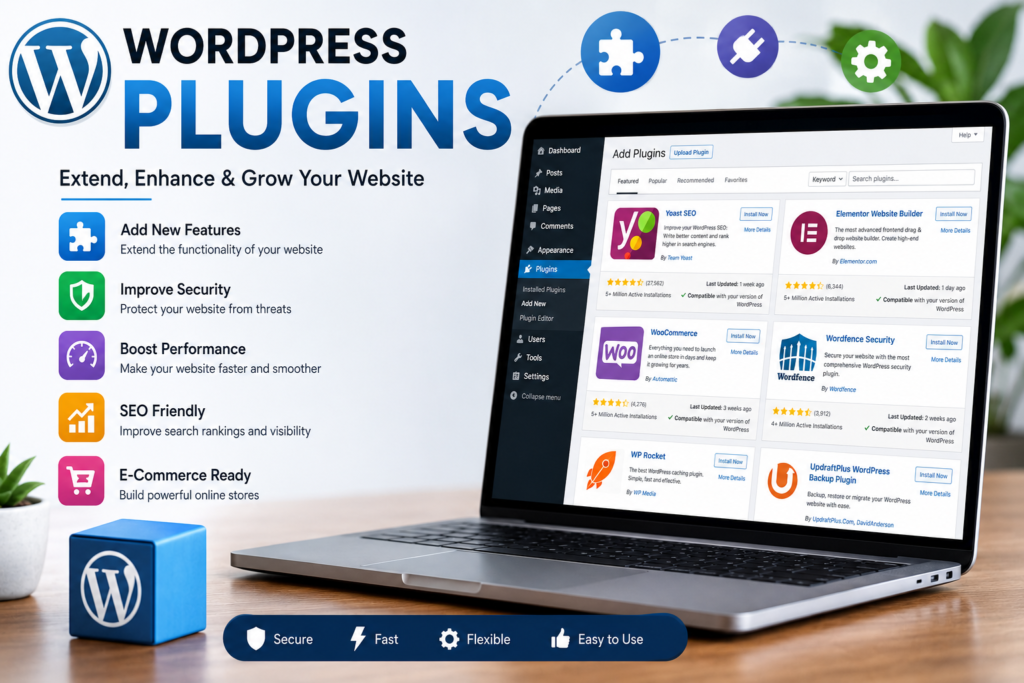
WordPress is the world’s most popular content management system, powering millions of websites across the internet. One of the main reasons for its popularity is its powerful plugin ecosystem. WordPress plugins allow users to add new features and functionality to their websites without writing complex code.
Whether you are running a blog, business website, online store, portfolio, or news portal, plugins help extend the capabilities of your website quickly and efficiently.
What Are WordPress Plugins?
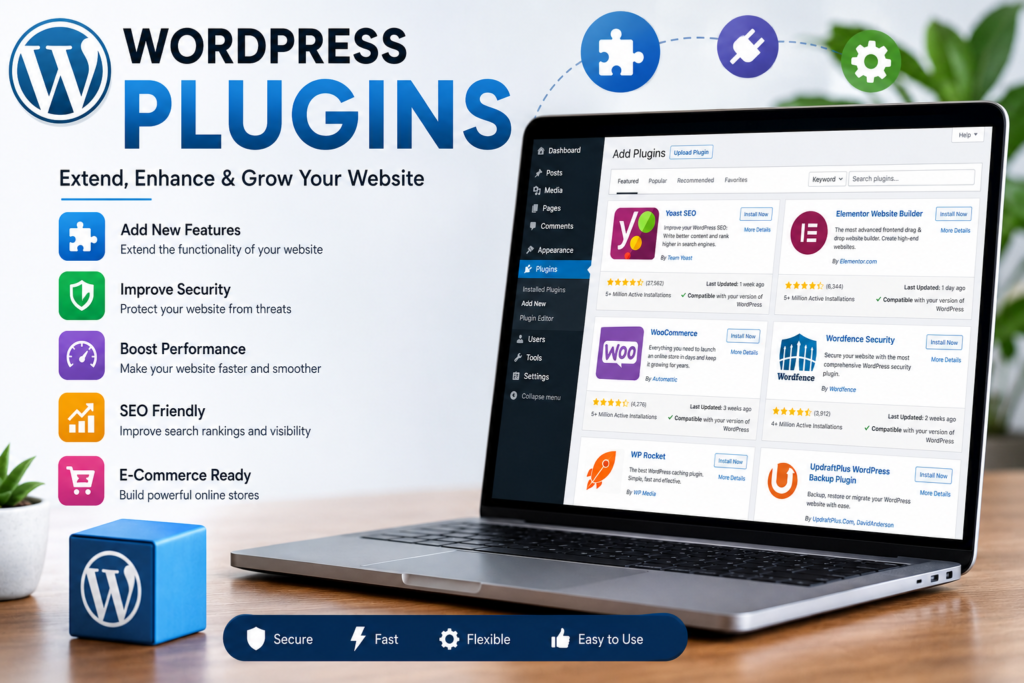
A WordPress plugin is a software extension that adds specific features to your website. Plugins can improve security, enhance performance, optimize SEO, create contact forms, add e-commerce functionality, and much more.
Think of plugins as apps for your WordPress website.
Why Are Plugins Important?
Plugins provide several benefits:
- Add new features without coding
- Save development time
- Improve website functionality
- Enhance user experience
- Increase website security
- Boost search engine rankings
- Improve website performance
With the right plugins, even beginners can build professional websites.
Popular Types of WordPress Plugins
SEO Plugins
SEO plugins help websites rank higher in search engines.
Popular SEO plugins include:
- Yoast SEO
- Rank Math
- All in One SEO
These plugins help optimize:
- Titles
- Meta descriptions
- XML sitemaps
- Content analysis
Security Plugins
Website security is extremely important.
Popular security plugins:
- Wordfence Security
- Sucuri Security
- Solid Security
These plugins help protect websites from:
- Malware
- Brute force attacks
- Unauthorized access
- Security vulnerabilities
Performance Plugins
Website speed affects both user experience and SEO.
Popular performance plugins:
- WP Rocket
- LiteSpeed Cache
- W3 Total Cache
Benefits include:
- Faster page loading
- Reduced server load
- Improved user experience
Contact Form Plugins
Contact forms allow visitors to communicate with website owners.
Popular options:
- Contact Form 7
- WPForms
- Fluent Forms
These plugins make it easy to create professional contact forms without coding.
Backup Plugins
Backups help protect your website data.
Popular backup solutions:
- UpdraftPlus
- BackupBuddy
- Duplicator
Regular backups can save your website in case of technical issues or hacking attempts.
E-Commerce Plugins
For online stores, e-commerce plugins are essential.
WooCommerce
WooCommerce is the most popular WordPress e-commerce solution.
Features include:
- Product management
- Payment gateways
- Shipping options
- Inventory management
- Customer orders
Page Builder Plugins
Page builders allow users to design websites visually.
Popular page builders:
- Elementor
- Beaver Builder
- Bricks Builder
These tools enable drag-and-drop website design without programming knowledge.
How to Install a Plugin
Installing a plugin is simple:
- Open WordPress Dashboard
- Navigate to Plugins
- Click Add New
- Search for a plugin
- Click Install Now
- Click Activate
The plugin will immediately become available on your website.
Best Practices for Using Plugins
Install Only What You Need
Too many plugins can slow down your website and create compatibility issues.
Keep Plugins Updated
Regular updates improve security, performance, and compatibility.
Use Trusted Plugins
Choose plugins from reputable developers with positive reviews and regular updates.
Remove Unused Plugins
Inactive plugins can create unnecessary security risks and clutter.
Common Plugin Mistakes
Avoid these common mistakes:
- Installing too many plugins
- Ignoring updates
- Using outdated plugins
- Installing plugins from untrusted sources
- Not testing plugin compatibility
Following best practices helps maintain a stable and secure website.
Recommended Plugins for New Websites
A good starter setup includes:
- Rank Math SEO
- LiteSpeed Cache
- Wordfence Security
- UpdraftPlus Backup
- WPForms
- WooCommerce (if selling products)
These plugins cover the most important website needs.
The Future of WordPress Plugins
As WordPress continues to evolve, plugins are becoming smarter and more powerful. Many modern plugins now include:
- AI-powered features
- Performance optimization
- Advanced security systems
- Automation tools
- Improved user experiences
These innovations help website owners manage their sites more efficiently.
Conclusion
WordPress plugins are one of the biggest strengths of the WordPress ecosystem. They allow users to add powerful features, improve website performance, strengthen security, and create better experiences for visitors. By choosing high-quality plugins and following best practices, website owners can build professional, secure, and scalable websites with ease.

Stay Updated 🚀
Get the latest tutorials, WordPress tips, AI updates and web development articles delivered directly to your inbox.
Related Posts
💬 Comments
No comments yet
Be the first to share your thoughts.